Building an Event-Driven Data Lake: Automating DJI Telemetry Extraction on AWS

Building a Serverless GIS Pipeline for Drone Telemetry
Working with drone telemetry often feels like a digital treasure hunt. Recently, I faced a common but frustrating challenge: How to extract GPS metadata from hundreds of DJI Mini 2 images without manual processing or expensive software?
I needed a solution that was not only automated but also ‘cost-zero’ for small-scale projects. In this post, I’ll walk you through how I built a Serverless GIS Pipeline to transform raw imagery into structured data, using the power of AWS to handle the heavy lifting.
To bridge the gap between the drone’s SD card and a scalable cloud map, I built a serverless pipeline on AWS. But before a single pixel could be processed, I had to solve three real-world engineering challenges:
- Security Governance: Protecting flight data at the root level.
- Budget Control: Ensuring a $0-cost operation using the Free Tier.
- The “Binary Trap”: Making Python’s image libraries (Pillow) compatible with the cloud’s Linux environment.
In this post, I document how I established a secure foundation and overcame the technical hurdles of AWS Lambda to extract real-time telemetry from my flights in Gdańsk, Poland.
Phase 1: Securing the Root Account (MFA)
In the cloud, identity is the new perimeter. If my root credentials were compromised, my entire drone data infrastructure would be at risk.
The Solution: Multi-Factor Authentication (MFA) I activated a virtual MFA device for my root account. This follows the AWS Well-Architected Framework, specifically the Security Pillar, by ensuring that a physical device is required for any administrative access.
- Cloud Stack used: AWS IAM
- Key Takeaway: Never leave your root account with just a password. In professional GIS, data integrity is a legal requirement.
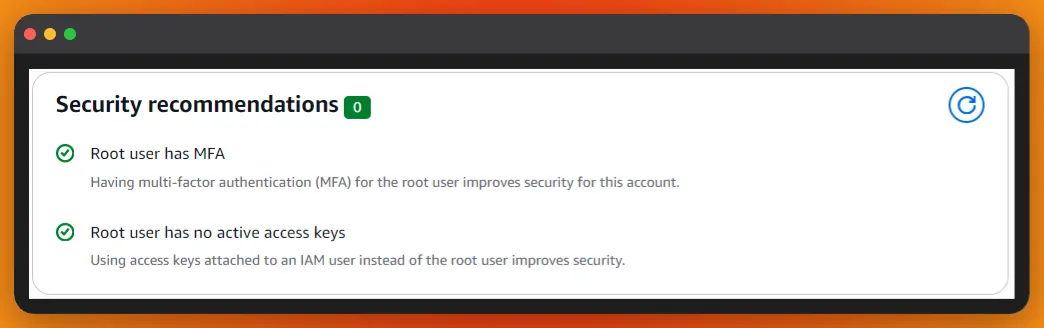 Figure 1: Activating MFA for the Root User ensures that my Cloud GIS infrastructure is protected by an additional security layer.
Phase 2: Cost Governance (The $1.00 Safety Net)
One of the biggest barriers for GIS professionals moving to AWS is the fear of “surprise bills.” Large drone datasets can quickly consume storage and compute resources if left unmonitored.
The Solution: AWS Budgets I implemented a Zero-Spend-Budget to keep my learning lab within the AWS Free Tier.
- Budget Limit: $1.00 USD.
- Alert Threshold: 80% ($0.80).
- Notification Type: Real-time email alert via Amazon SNS.
This “safety net” allows me to experiment with automation and AI without financial risk. It demonstrates a Cost-Optimization mindset, which is a high-value skill for any cloud consultant.
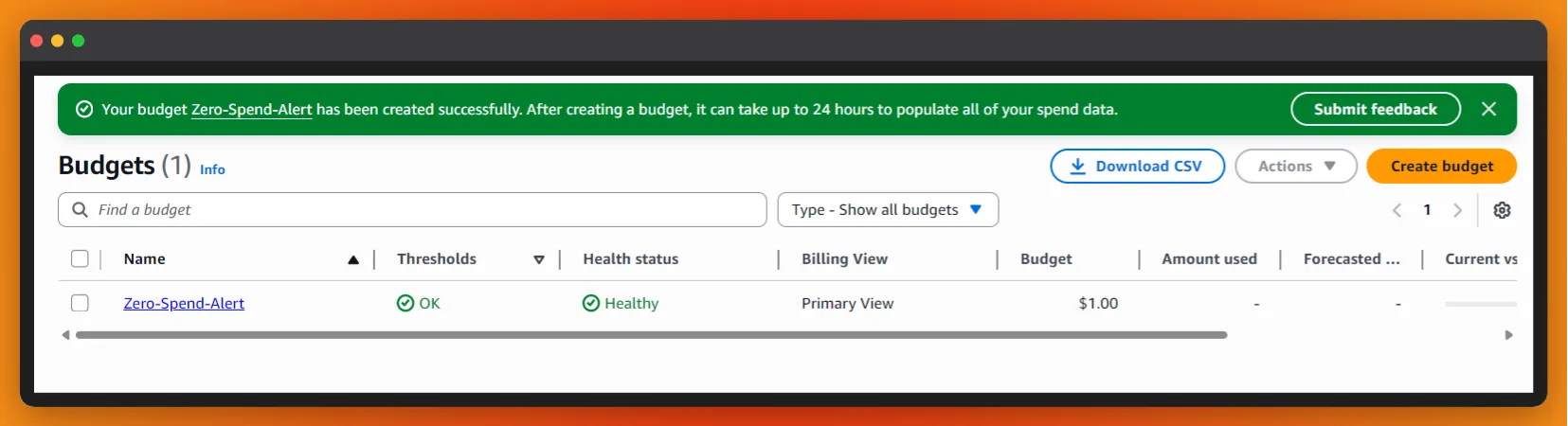 Figure 2: Financial Guardrails: Implementing a $1.00 USD “safety net” via Amazon SNS to prevent unexpected cloud billing.
Phase 3: Creating the Data Lake (Amazon S3)
To store my DJI Mini 2 photos, I created an S3 bucket named drone-imagery-raw.
Why S3 for GIS?
- Durability: 99.999999999% durability ensures my survey data is never lost.
- Event-Driven: Every upload can trigger a “brain” (AWS Lambda) to process the image automatically.
- Privacy: I explicitly blocked all public access to ensure my flight coordinates remain private.
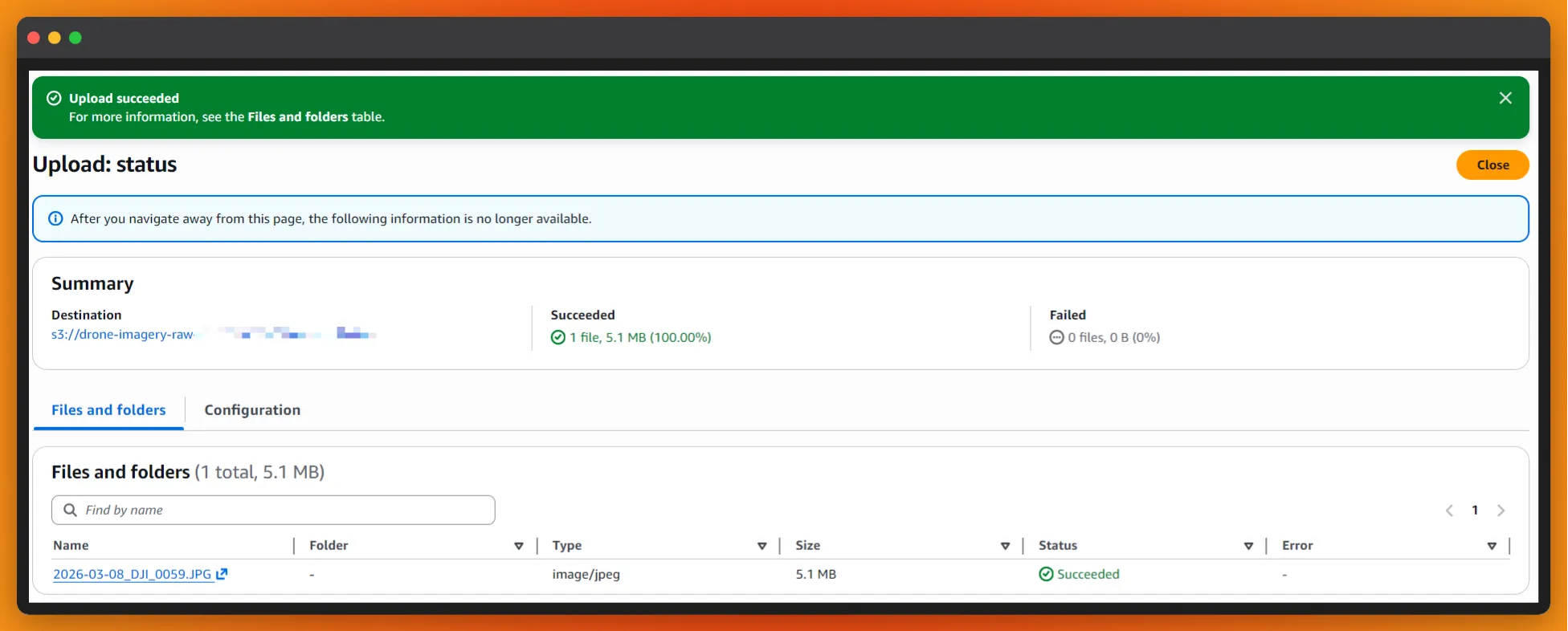 Figure 3: Amazon S3 bucket ‘drone-imagery-raw’ with Block Public Access enabled to ensure absolute telemetry privacy.
Phase 4: The Serverless Brain (AWS Lambda & Layers)
With the storage ready, I needed a “brain” to process the images. I deployed an AWS Lambda function, but I faced a common architectural challenge: standard Python doesn’t know how to “read” drone photos out of the box.
The Solution: Lambda Layers & Binary Compatibility I built a custom Lambda Layer containing the Pillow (PIL) library.
- The Trap: Simply running
pip installisn’t enough. AWS Lambda runs on Amazon Linux, so I had to force the installation of manylinux binaries to ensure the C-extensions for image processing would work in the cloud. - The Result: A decoupled, reusable layer that provides my function with “geospatial vision.”
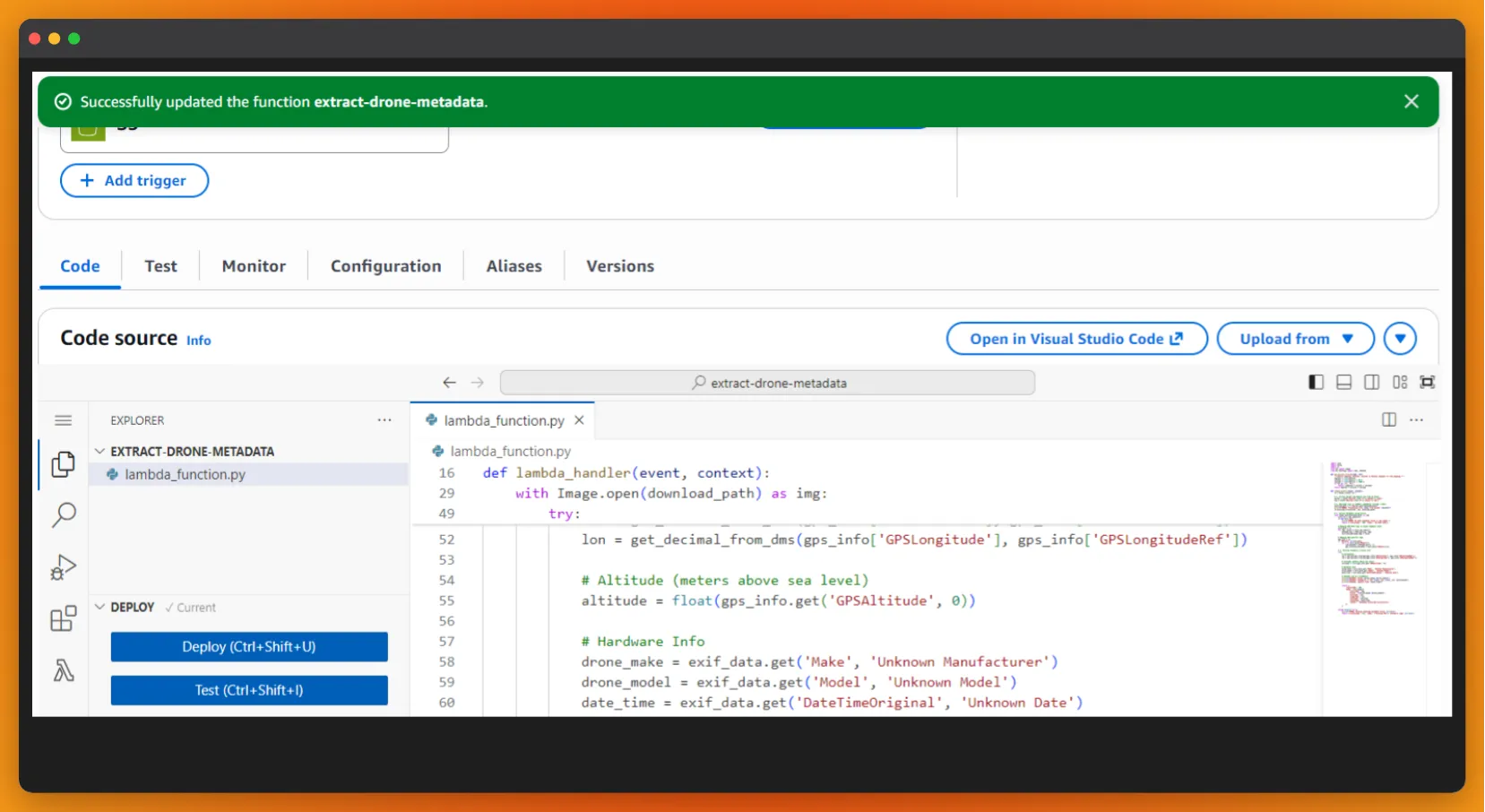 Figure 3: Function configuration showing the custom Pillow (PIL) Lambda Layer, built with ‘manylinux’ binaries to ensure cloud compatibility for EXIF extraction.
Phase 5: Event-Driven Orchestration (S3 Triggers)
To achieve true automation, I connected the S3 Bucket to the Lambda Function using an S3 Event Notification.
- Trigger: All object create events.
- Logic: The moment a DJI .JPG hits the raw bucket, S3 “wakes up” the Lambda.
- Safety First: I deliberately avoided Recursive Invocations by ensuring the function only reads data and logs results, preventing a cost-intensive infinite loop.
Phase 6: Resource Tuning (Overcoming the 3-Second Ceiling)
During initial testing, I encountered a Status: timeout error. Processing high-resolution 5MB drone imagery requires more “muscle” than the default AWS settings provide.
- Memory Scaling: Increased from 128MB to 512MB. In Lambda, more RAM equals more CPU power.
- Timeout Adjustment: Increased from 3s to 1 minute. This provides the necessary “headroom” for the Pillow library to parse complex EXIF metadata without being cut off.
Phase 7: Validation & Geospatial Insights (CloudWatch)
The final test was an Integration Test: uploading a high-resolution file from my DJI Mini 2 taken over the Stogi area in Gdańsk, Poland. By monitoring the Amazon CloudWatch Logs, I confirmed the successful execution of the upgraded pipeline.
The Pro-Grade Output: In just 1.2 seconds, the system performed a “digital autopsy” of the image, extracting the following telemetry:
- Horizontal Position: Pinpointed the drone at 54.37° N, 18.73° E.
- Vertical Dimension: Confirmed a flight altitude of 65.237 meters.
- Hardware Identity: Identified the camera sensor as the DJI FC7303 (Mini 2).
- Temporal Data: Synced the exact capture timestamp (2026-03-06 17:53:10).
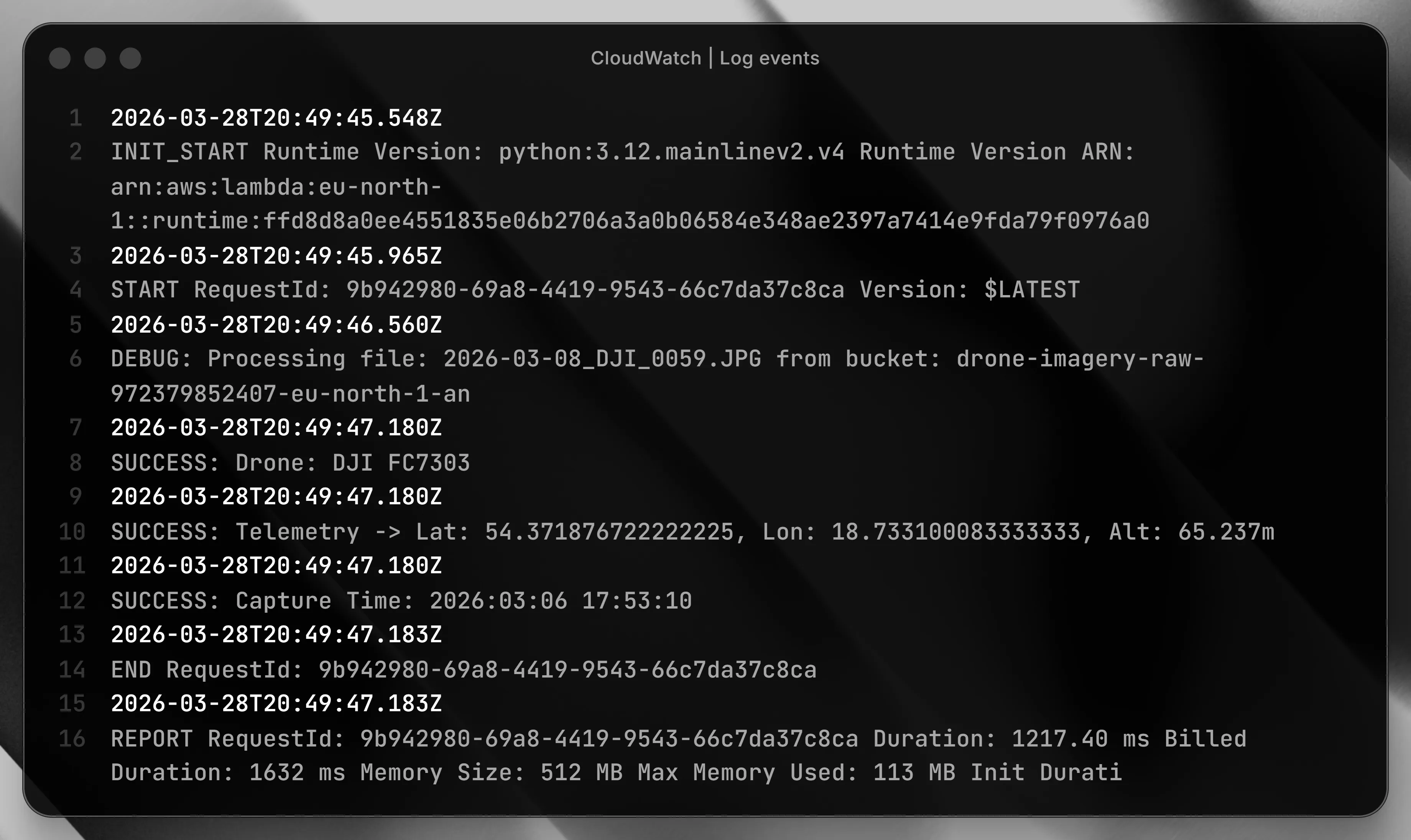 Figure 4: Amazon CloudWatch logs validating the automated extraction of GPS coordinates (Lat, Long) and altitude from a DJI Mini 2 flight in Gdańsk.
This demonstrates the power of an Event-Driven Architecture: the moment a file touches the “Data Lake,” it is instantly transformed into structured geographic intelligence.
Are you ready to build a leaner, smarter cloud? > Drop me an email to discuss serverless architectures or geospatial solutions.